Everything to Know About Jackbox Party Essentials Games
No console? No problem. Three hilarious Jackbox hits just crashed Netflix Party Games.
By Timothy J. Seppala
April 9, 2026
Spring has sprung, and that means cracking open the windows after a long winter and … quickly coming up with indoor plans because your picnic was dashed by a surprise rainstorm. Lucky for you, your closest friends and family can laugh the clouds away with The Jackbox Party Essentials on Netflix.
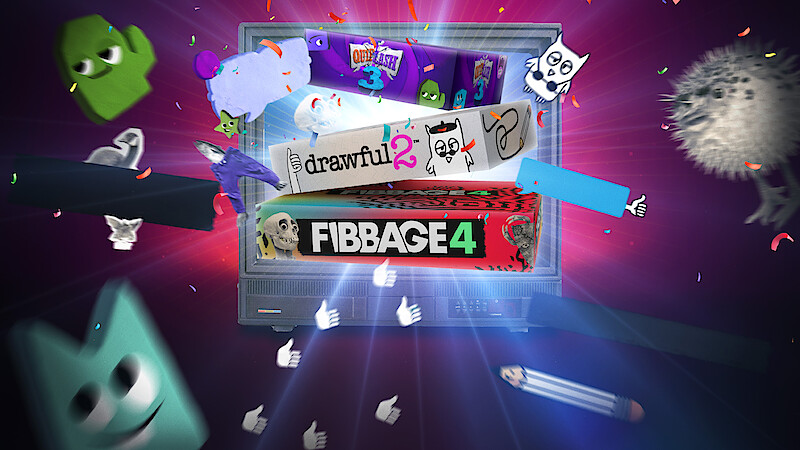
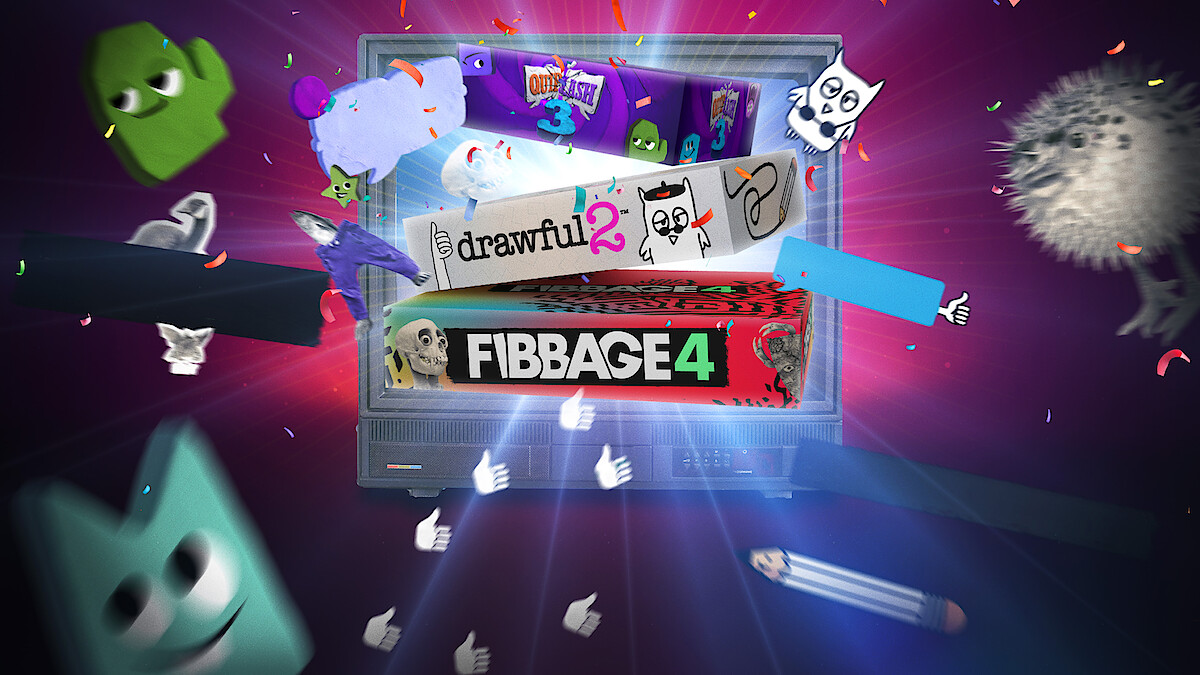
The Jackbox Party Essentials brings Drawful 2, Fibbage 4, and Quiplash 3 into the burgeoning bevy of Netflix Party Games, designed to keep the function funny — all without the need for additional hardware.
Jackbox Party Essentials is a quick and easy (and hilarious) way to get everyone in the room writing and drawing the most absurd things possible. The party game collection offers the latest versions of three of the most iconic games from the franchise and delivers hours of mayhem for you and yours. All you need is your Netflix subscription, a few friends, and a willingness to get weird.
Jackbox Party Essentials is actually three games in one: Fibbage 4, Quiplash 3, and Drawful 2. These three games are a raucous representation of the Jackbox franchise as a whole: frictionless, irreverent games designed to get the entire living room laughing and creating new inside jokes. Seriously, if the room is silent while you’re playing, you may need to check your friends’ pulses. Here’s how the games break down:
Imagine if Pictionary had prompts like “coffin full of donuts” or “I married a pogo stick,” and you’re pretty close to understanding what Drawful 2 is all about. You’ve got limited tools and no eraser to sketch out your response to the prompt. Once you’ve completed your masterpiece, everyone in the room guesses what your scribble is supposed to be.
Fake answers are mixed in with the real prompt, and if you guess the real one correctly you’ll earn points. The artist will pick up additional points for each person who guesses correctly, and you’ll even get points if someone picks your fake answer instead of the truth.
As the name suggests, Fibbage 4 is all about selling a lie. Host Cookie Masterson reads a preposterous (but absolutely true) fact with one key word missing. You and your friends fill in the blank, and then everyone votes on which answer is the actual truth.
The rub? You don’t just get points for finding the truth — you earn them every time your friends fall for your lie.
Things heat up in round three, where you have to craft a single lie that believably fits into two separate blanks at the same time. Fool enough people, and you’ll snatch a hefty point bonus to secure the win.
How hard can you make your friends laugh? In this head-to-head comedy battle, players answer the same absurd prompts — like “a fact that’d impress a 4-year-old” — and the room votes on their favorite. Wanna win? It’s all about reading your audience.
Points double in Round 2, and the third round introduces the Thriplash. Here, you’ll need to submit three witty responses to a single prompt (e.g., three horrifying phrases to see embroidered on Grandma’s pillow).
Sweep the room’s votes for a massive bonus. But beware: if you and your opponent happen to submit the exact same answer, you’re jinxed and neither of you scores.




No. While the Jackbox series has been around for ages, it’s always been more about having fun than playing every game that preceded it. The Jackbox Party Essentials collects three of the franchise’s most iconic party games into one seamless celebration of all things absurd, giving you a taste of what made Jackbox into a staple on streams and at shindigs around the worl
Unlike most party games that leave someone squabbling over a spare controller, Jackbox has a better solution: using your phone as the game pad. The Netflix edition of this delightfully irreverent party game collection is designed to be played on your TV screen with the device that’s already in your hands: your phone. Simply scan the QR code on your TV with your phone’s camera to pair your mobile device as a controller. Follow the easy onscreen instructions, and the party will kick into high gear once you’re connected.
Read this handy guide for more details.
Head to the Games tab in the Netflix app on your TV.